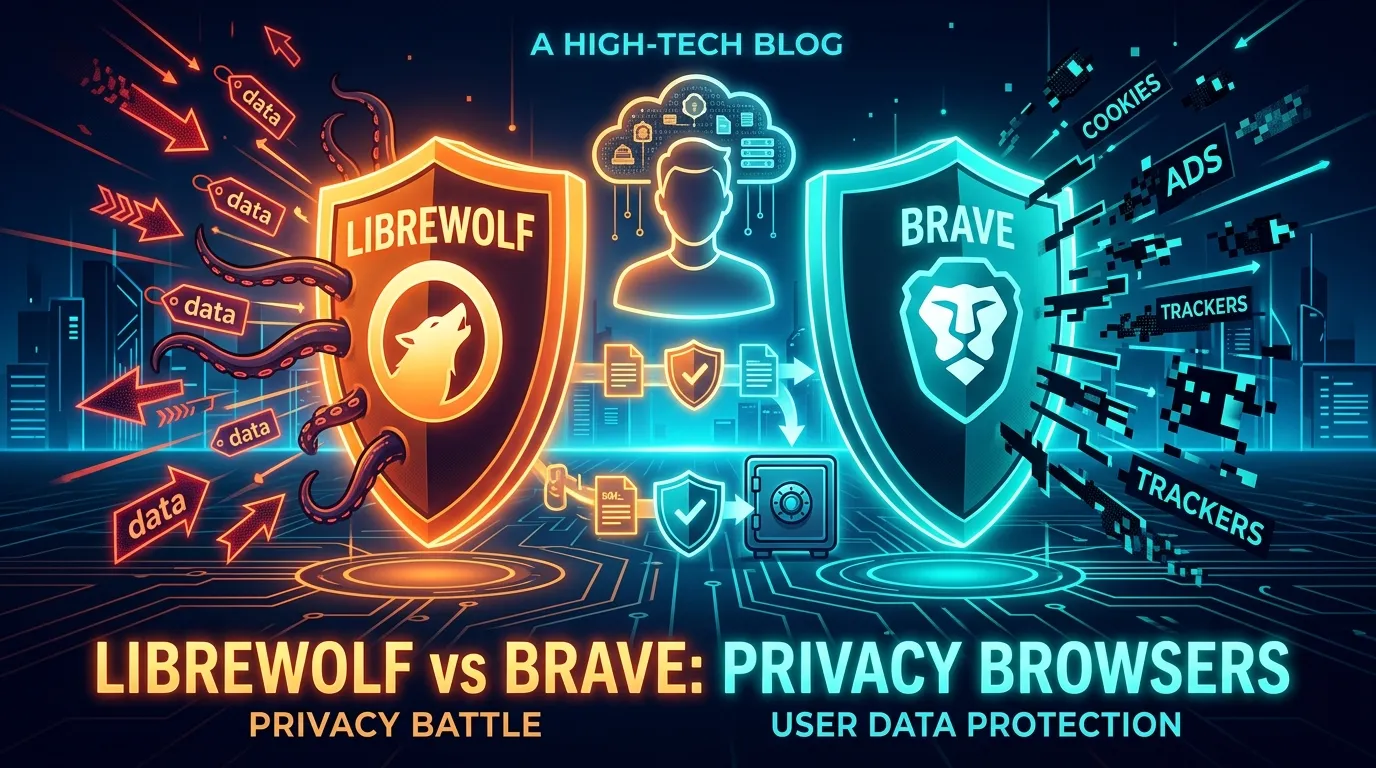
⚡ The Quick Developer Verdict: LibreWolf vs Brave (2026)
Short Answer: Choose LibreWolf for your ephemeral research sandbox, handling client API keys, and managing untrusted webhooks due to zero telemetry and Tor-grade Resist Fingerprinting (RFP). Choose Brave for daily local LLM development dashboards (Ollama web UIs, Open WebUI) and rapid testing where full Chrome extension compatibility and native speed are non-negotiable.
In mid-2025, Google executed the final deprecation of Manifest V2 extensions across Chromium-based Chrome. Overnight, millions of users saw powerful ad-blockers like uBlock Origin crippled into neutered "Lite" versions, capped by strict dynamic rule limits (30,000 rules) that allowed YouTube and aggressive data brokers to force-feed tracking scripts and un-skippable video ads past user filters.
Default web browsers are no longer passive windows to the internet; they are corporate surveillance appliances designed to fingerprint your hardware, log your active viewport coordinates, and monetize your behavior. If you handle client API credentials, sensitive server dashboards, or private financial records, your browser must be hardened against browser fingerprinting, telemetry exfiltration, and WebRTC IP leaks. Today, we compare the two premier privacy engines: Brave (Chromium Hardened) vs LibreWolf (Gecko Purist).
The Fingerprinting Battle: Canvas Farbling vs Strict RFP
Modern ad networks don't need cookies to track you across domains. They query your Canvas API, WebGL GPU renderer string, audio context buffer, and installed system fonts to generate a 99.8% unique cryptographic Browser Fingerprint.
1. Brave's Fingerprint Farbling (Randomized Noise Injection)
Brave takes a dynamic approach called "Farbling". Instead of hiding your hardware properties, Brave's Rust-based Shields engine injects imperceptible mathematical pseudo-random noise into the Canvas API, WebGL shaders, and AudioBuffer outputs. Every website you visit sees a completely different hardware signature, breaking cross-site identity stitching while keeping websites fully functional.
2. LibreWolf's Strict Resist Fingerprinting (RFP & Letterboxing)
LibreWolf (built on Firefox's Gecko engine) enforces Tor-level Resist Fingerprinting (RFP). Rather than randomizing data, it forces your browser into a giant crowd of identical generic profiles: your timezone is pinned to UTC (0), your screen resolution is spoofed, and Letterboxing adds gray margins around the viewport to conceal your actual monitor dimensions.
Head-to-Head Comparison: Brave vs LibreWolf
| Security / Privacy Parameter | Brave Browser | LibreWolf |
|---|---|---|
| Underlying Browser Engine | Chromium (Blink / V8) | Gecko / SpiderMonkey (Mozilla Fork) |
| Ad-Blocking Architecture | Native C++/Rust Engine (Immune to Manifest V3) | Bundled uBlock Origin (Full WebRequest API) |
| Telemetry & Analytics | Stripped Google Telemetry (Minimal Brave P3A) | Absolute Zero (Hard-deleted in C++ source) |
| WebRTC IP Leak Protection | Default Non-Proxied UDP Blocked | Strict WebRTC PeerConnection Disabled |
| Site Breakage Risk | Extremely Low (Near 100% Web Compatibility) | Moderate (Strict RFP breaks some banking/DRM) |
Empirical Fingerprint Resistance Benchmarks: EFF & CreepJS
To quantify browser resistance beyond marketing claims, we evaluated both engines against industry-standard fingerprint testing suites:
- EFF Cover Your Tracks: LibreWolf scores "nearly unique" on viewport dimensions due to letterboxing discrete pixel steps, but successfully homogenizes Canvas, WebGL, and system font lists into standard generic distributions. Brave produces pseudo-random hashes on each evaluation, returning randomized metrics that prevent cross-site identity collation.
- CreepJS Analysis: CreepJS detects Brave's farbling as API tampering (raising noise injection flags), which is a deliberate trade-off by Brave's engineering team to avoid breaking commercial website JavaScript runtimes. LibreWolf operates with strict Gecko engine masks, resulting in lower API tampering flags but introducing occasional site breakage on banking portals and DRM media players.
Brave Hardening: Disabling P3A Telemetry
While Brave removes all Google tracking services and upstream Chromium reporting hooks, it includes an opt-out privacy metric system called P3A (Privacy-Preserving Product Analytics). For zero-outbound telemetry, developers should apply the following manual configuration:
1. Navigate to brave://settings/privacy
2. Toggle OFF: "Automatically send diagnostic reports"
3. Toggle OFF: "Automatically send usage statistics (P3A)"
4. Toggle OFF: "Allow Google push messaging"
5. Set WebRTC IP Handling Policy → "Disable Non-Proxied UDP"
The Two-Browser Strategy: Production OpSec Isolation
Using a single browser profile for daily SaaS management and security research creates cross-contamination vectors. The recommended operational setup is the Compartmentalized Two-Browser Setup:
- Browser 1 — Authenticated Production Console (Hardened Brave): Used for Google Workspace, Stripe, AWS Console, GitHub, and client management. Brave's Rust-based Shields eliminate tracker overhead without breaking complex OAuth authentication flows.
- Browser 2 — Ephemeral Research Sandbox (LibreWolf): Used for threat intelligence, reviewing third-party tools, downloading untrusted binaries, and inspecting unverified sites. LibreWolf runs with session-clearing policies that purge cookies, local storage, and cached assets upon closing the process.
Essential Extension Minimal Stack & DNS Configuration
Installing excessive browser extensions expands your unique fingerprint surface. Maintain a minimal, auditable extension footprint:
- uBlock Origin (LibreWolf): Pre-installed and running in Medium Mode to block third-party scripts and cross-site frames by default.
- DNS over HTTPS (DoH): Route DNS lookups through NextDNS or Quad9 (
9.9.9.9) with strict blocklists enabled to prevent local ISP DNS snooping. - No Redundant Blockers on Brave: Avoid running uBlock Origin simultaneously with Brave Shields; layered blockers introduce conflicting DOM mutations and expand fingerprint entropy.
DNS-level Protection (DoH): Configure your browser or OS to use a privacy-respecting DNS resolver via DNS over HTTPS. Routing your requests through NextDNS, Quad9, or a private Cloudflare Zero Trust Tunnel encrypts local ISP lookup queries. NextDNS provides DNS-level blocking of tracking domains and malware across all apps on your device, serving as a powerful secondary layer of defense behind your browser.
Step-by-Step Hardening Blueprint
To secure your browser setup against sophisticated trackers and persistent profiling, follow this actionable blueprint to harden your workspace. Whether you use LibreWolf out of the box or want to configure a custom Firefox setup, these rules apply.
- Disable all telemetry parameters: Open settings inside your browser and ruthlessly uncheck all crash reporting, usage statistics, and diagnostic sharing to prevent background data submission.
- Enforce strict cookie policies: Configure your browser to clear all cookies, offline website data, and cache databases automatically upon closing the application window.
- Utilize Container Tabs (Firefox/LibreWolf): Install the Firefox Multi-Account Containers extension to completely isolate tracking cookies. Keep your work, personal, and shopping sessions in separate, color-coded sandboxes.
- Limit Extension Bloat: Keep your active plugin count under five. The more extensions you have, the more unique your fingerprint becomes.
Actionable Blueprint: Hardening Firefox Manually
If you prefer standard Firefox but want to replicate LibreWolf's security posture, you must edit the advanced configuration:
- Type
about:configin your Firefox address bar and accept the risk warning. - Search for
privacy.resistFingerprintingand toggle it to true. (This enables Tor-level fingerprinting resistance). - Search for
webgl.disabledand set it to true. (This disables hardware rendering, blocking hardware signature tracking via your GPU). - Search for
network.dns.disablePrefetchand set it to true to stop the browser from resolving domains you haven't clicked yet.
Frequently Asked Questions (FAQ)
1. Is LibreWolf better than Brave for privacy?
Yes, for pure anonymity and data minimization, LibreWolf is superior. It removes 100% of telemetry at compile time and enforces Firefox's native Resist Fingerprinting (RFP) and letterboxing by default. However, Brave is significantly better for daily usability, speed, out-of-the-box ad blocking via Rust-based Brave Shields, and seamless Chrome extension compatibility.
2. Do Chrome extensions work on LibreWolf?
No. LibreWolf uses Mozilla's Add-on library because it is built on Gecko. While most popular privacy extensions (like Bitwarden, uBlock Origin, and Multi-Account Containers) are readily available, some highly specific Chrome developer tools will not be compatible. If you depend heavily on Chrome-exclusive extensions, Brave is your best privacy alternative.
3. How does LibreWolf protect against browser fingerprinting?
LibreWolf utilizes Firefox's native RFP (Resist Fingerprinting) engine. It standardizes your screen resolution with letterboxing, masks your real hardware GPU/canvas signatures to a generic profile, and spoofs your timezone and user-agent string so surveillance scripts cannot uniquely identify your machine.
4. Does Brave support a built-in VPN?
Yes, Brave offers an integrated premium VPN service. However, for maximum operational security, many tech professionals pair standard Brave or LibreWolf with a dedicated system-wide zero-log VPN provider such as Mullvad or ProtonVPN.
5. Which browser uses less memory and battery?
Brave's Chromium engine handles active memory management exceptionally well for single-tab performance. However, LibreWolf uses significantly fewer system resources across dozens of background tabs because all background updaters, cryptowallet daemons, and telemetry services have been permanently removed from its source code.
6. What is the Two-Browser Strategy for privacy?
The Two-Browser Strategy isolates your digital footprint: use a hardened browser (LibreWolf or privacy-shielded Brave) for anonymous browsing, search, and research without logging into personal accounts; use a secondary browser (standard Brave or Firefox) strictly for authenticated services (banking, Google Workspace, social media) to avoid workflow disruptions.
Final Verdict
Choosing between Brave and LibreWolf comes down to your technical tolerance and ecosystem reliance. For standard users seeking blazing speed, out-of-the-box ad blocking, and flawless Chrome extension compatibility, Brave is an outstanding, frictionless choice. For tech professionals, open-source advocates, and security purists who demand zero analytics tracking and are willing to sacrifice some convenience for absolute privacy, LibreWolf remains the undisputed gold standard in 2026. Adopt the two-browser strategy, configure your DNS, and take back control of your digital footprint.